01
Field
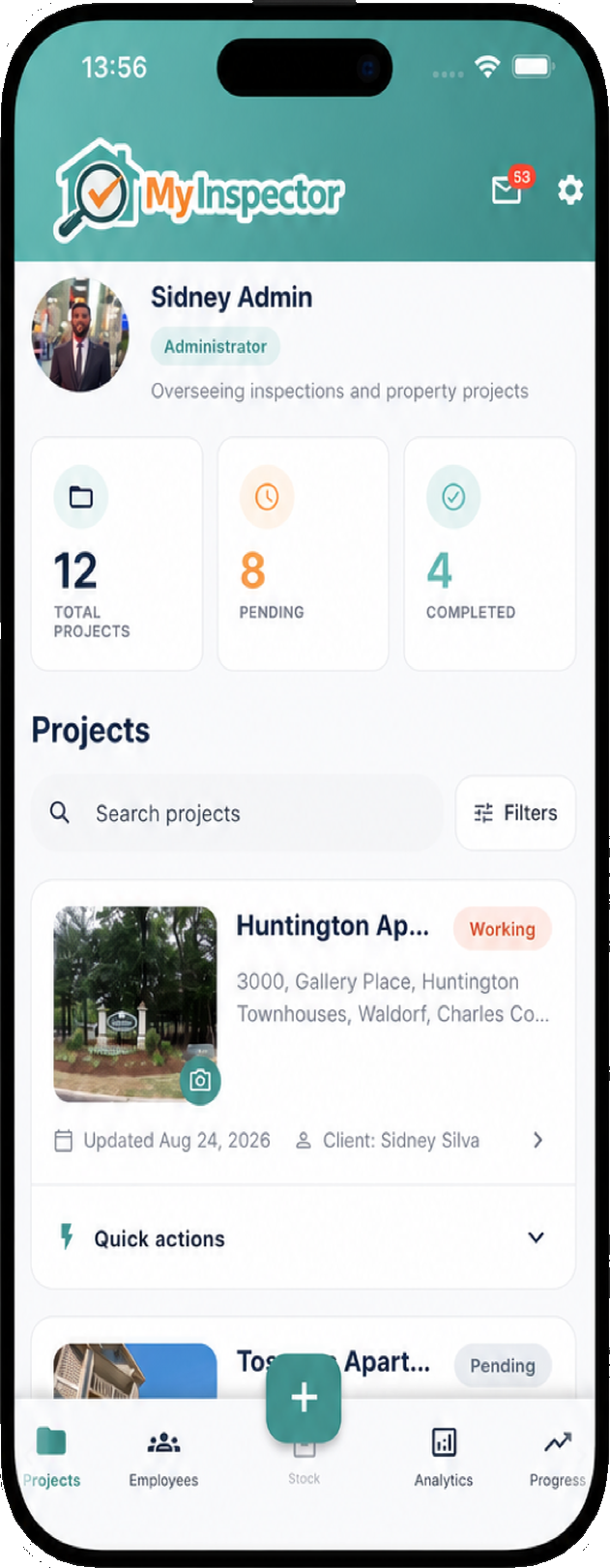
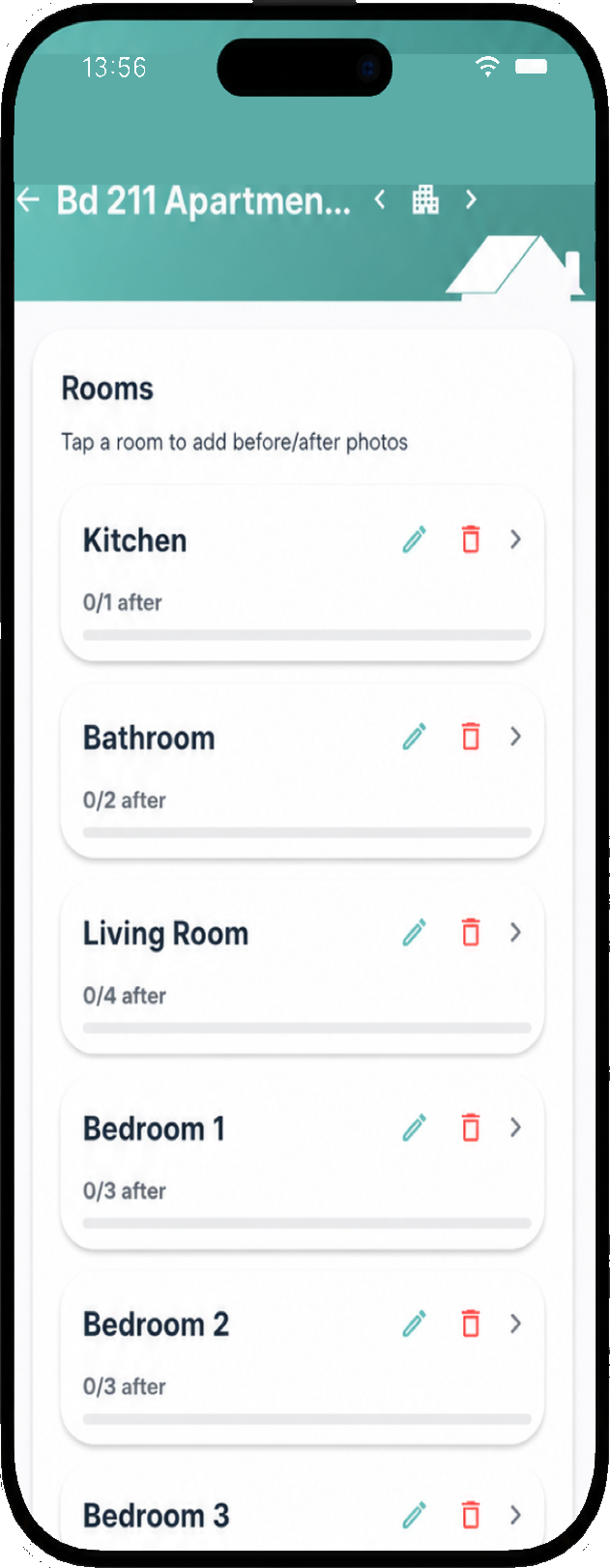
Inspections with a clear path
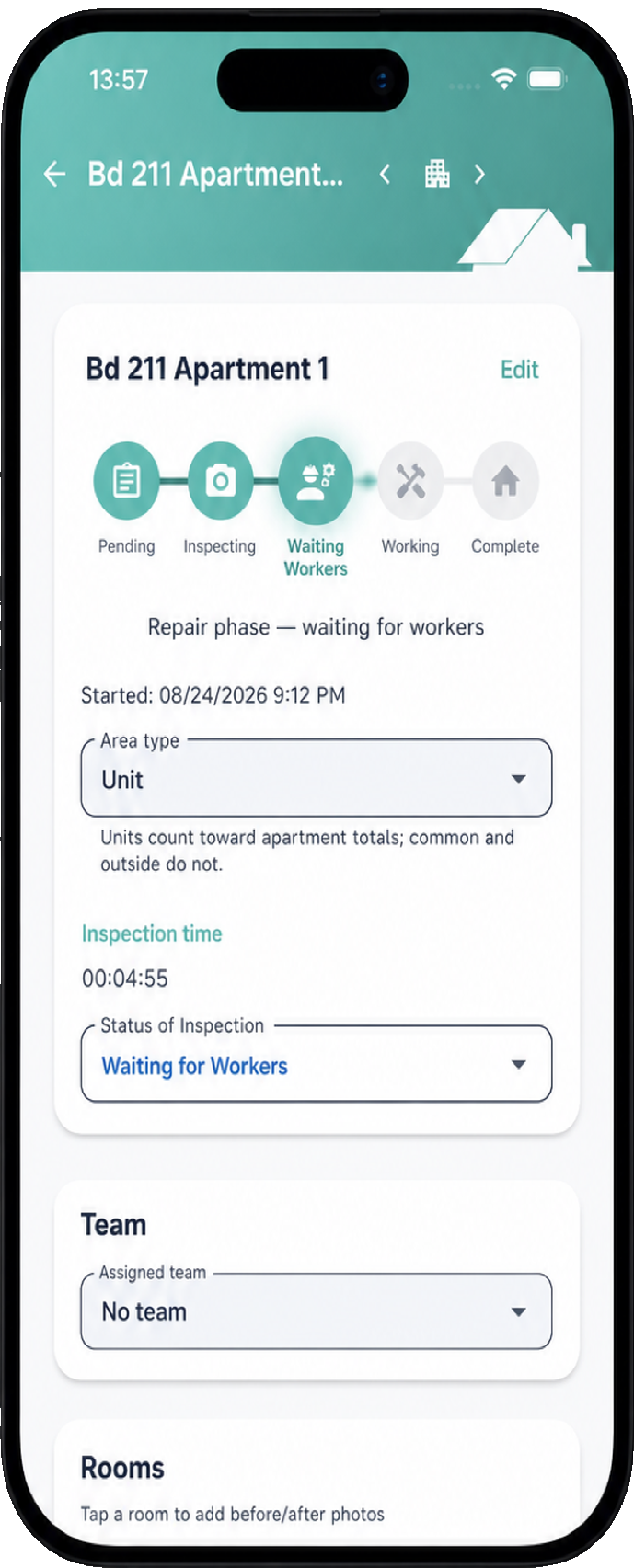
Start the inspection on the unit and move room by room. Every inspector follows the same path, so a supervisor can see what is done without rebuilding the visit from messages. Work saved on the phone uploads when the connection returns.
02
Evidence
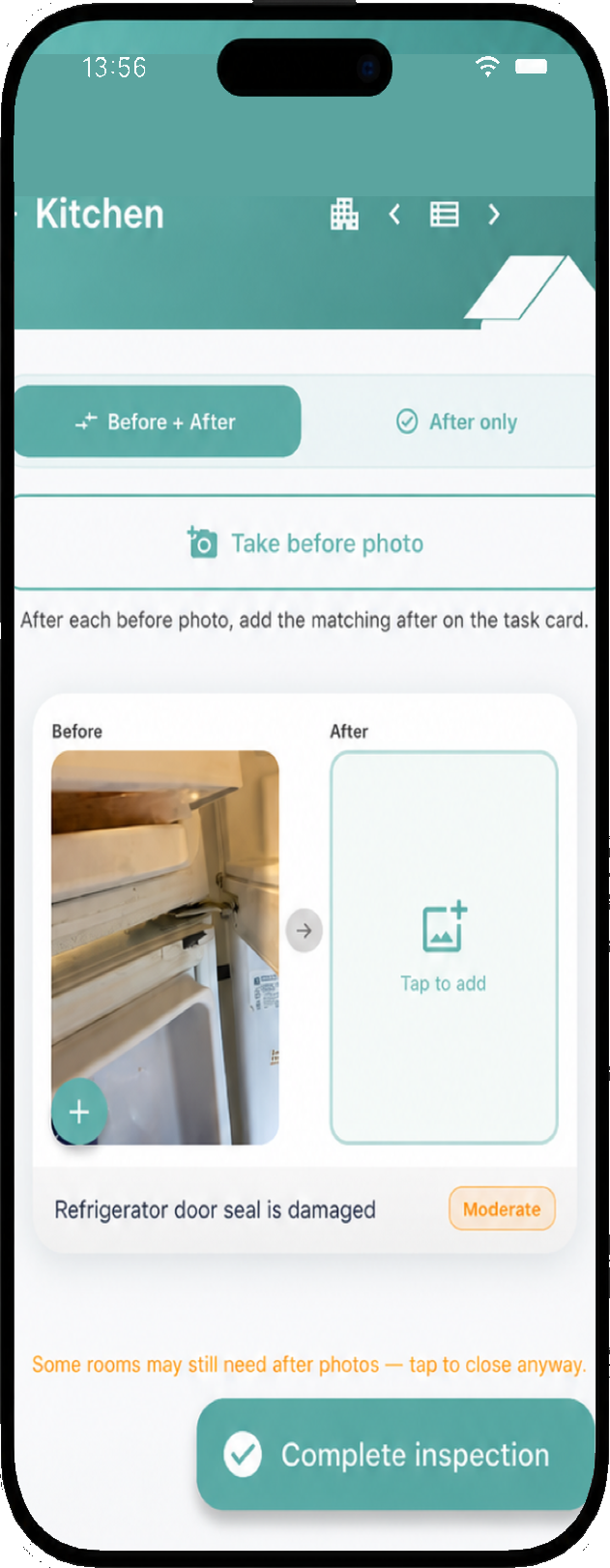
Photos and notes your team can trust
Photograph the finding, pick it from the deficiency catalog, and mark the detail that needs repair. The photo taken after the fix stays linked to the first one, so before and after belong to the same item.
03
Reports
PDF reports, ready to share
When the inspection is complete, MyInspector builds a PDF from the rooms, findings, and photos already in the app. One file goes out instead of a folder of pictures and a separate write-up.
04
Clients
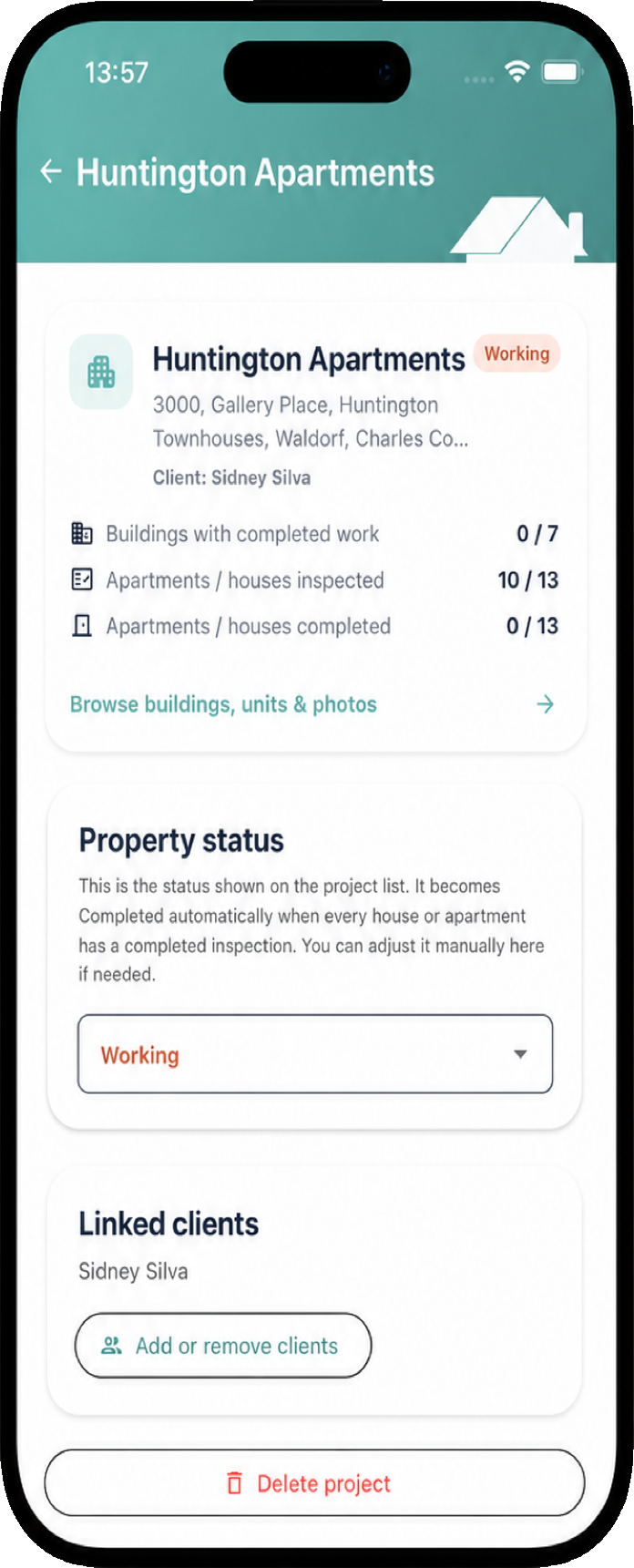
A dashboard for the property
Property owners open a dashboard for that property. They see which units are in progress, which repairs are finished, and when the work is ready to sign off.